How do I enter a destination in Chinese in DiDi (滴滴出行)?
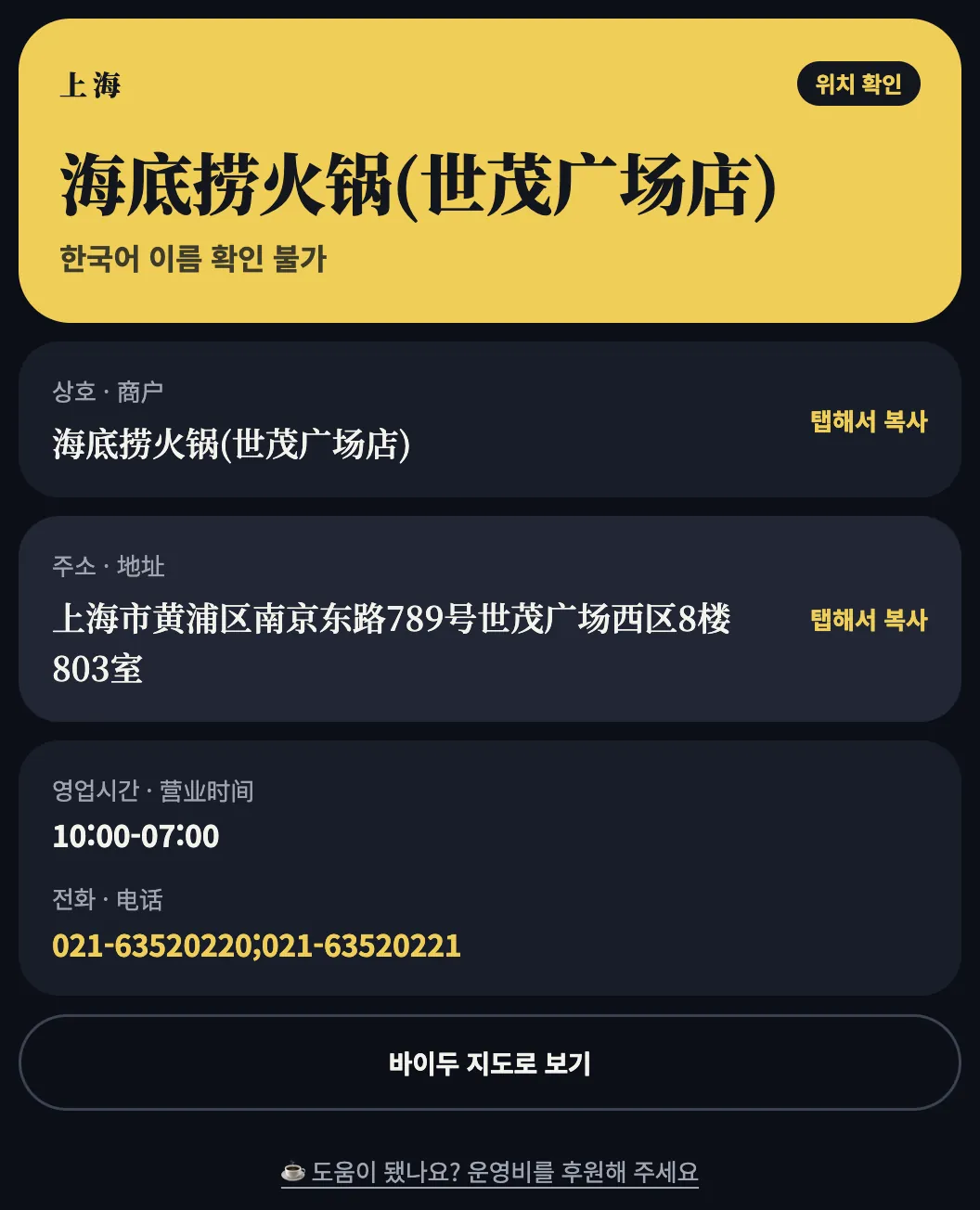
Paste the place's Chinese name into the destination field. map82 finds the Chinese name and address from a blog or article link, ready to copy.
Updated:
Why enter it in Chinese
DiDi's place search runs on a Chinese POI database — English or romanized names often return nothing or the wrong spot. The exact Chinese name is the reliable input.
Steps
- Paste a blog or article link about the place above and let map82 find it.
- Copy the Chinese name from the result.
- Paste it into DiDi's destination field, pick the candidate whose pin looks right, and request the ride.
Picking the right branch
Chains share a name, so DiDi may list several candidates. Match the district (区) and road (路) in DiDi's result against the address map82 shows. map82 itself asks which branch rather than guessing.
FAQ
Does English search work?
Only for major sites like airports and stations. Shops need the Chinese name.
Is there an English version of DiDi?
DiDi offers a partial English interface for international users, but place data is Chinese — copying the name is the surest path.
No DiDi — just hail a taxi?
Open map82's driver card and show the Chinese address card.